
City-building games have fascinated me since childhood. As a curious kid, I peered over relatives’ shoulders as they arranged bustling SimCity metropolises on the family computer. I dove into The Sims once able to use a mouse and keyboard myself, though I admit I cared less about the goings-on inside the house and more about “rosebud”-ing ’til I could afford my Sims’ property renovations. Quaint Animal Crossing villages, vibrant (albeit dangerous) RollerCoaster Tycoon theme parks, the comparatively minimalist Mini Motorways mechanics — I’m playing fast and loose with “city-builder” now — these builder hits gave me rewarding creative control, the chance to solve complex organizational quandaries, and ultimately left me with digital projects I was proud of.
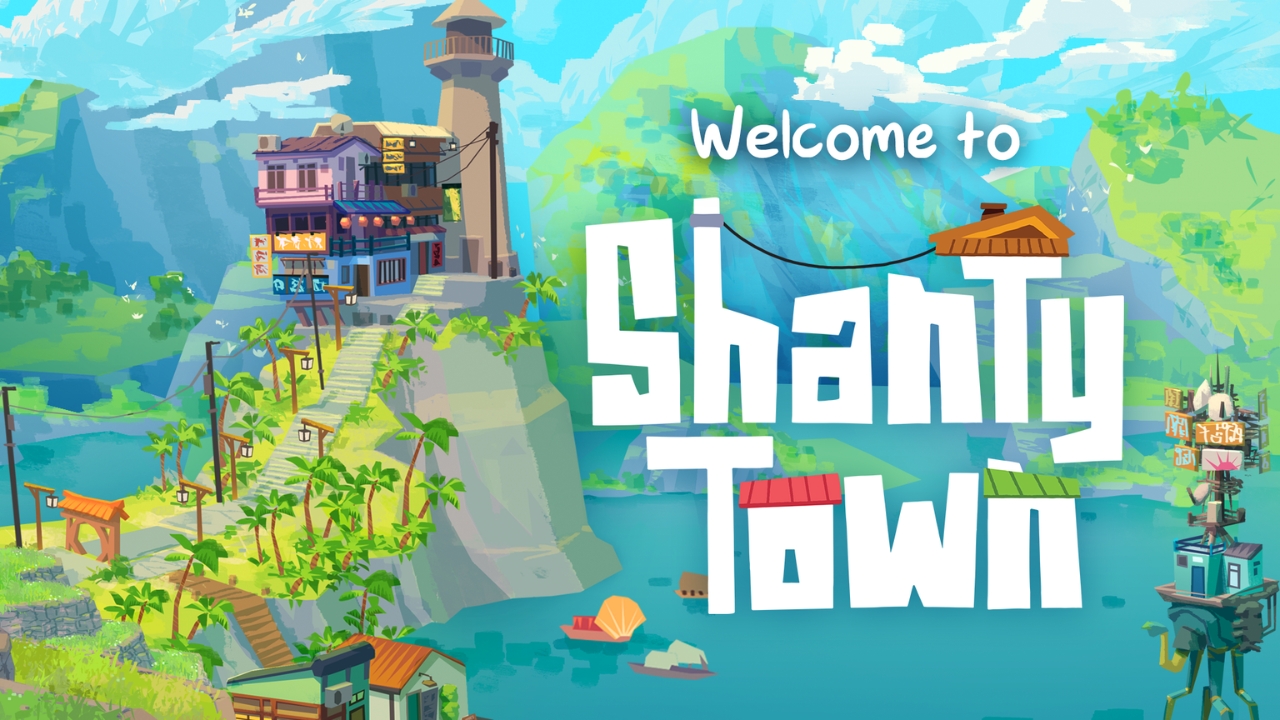
In ShantyTown, the zoetic indie diorama game from Silk Softworks developer Erik Rempen and publisher Kinephantom Games, players become surveyors tasked with assessing and assembling funky, vibrant villages across 20 distinct, photo-ready environments. While the game’s brief PAX Rising demo was a delight, ShantyTown‘s full version stuns and scratches that city-construction itch I’ve been unable to reach for years.
About Silk Softworks’ city-sim ShantyTown
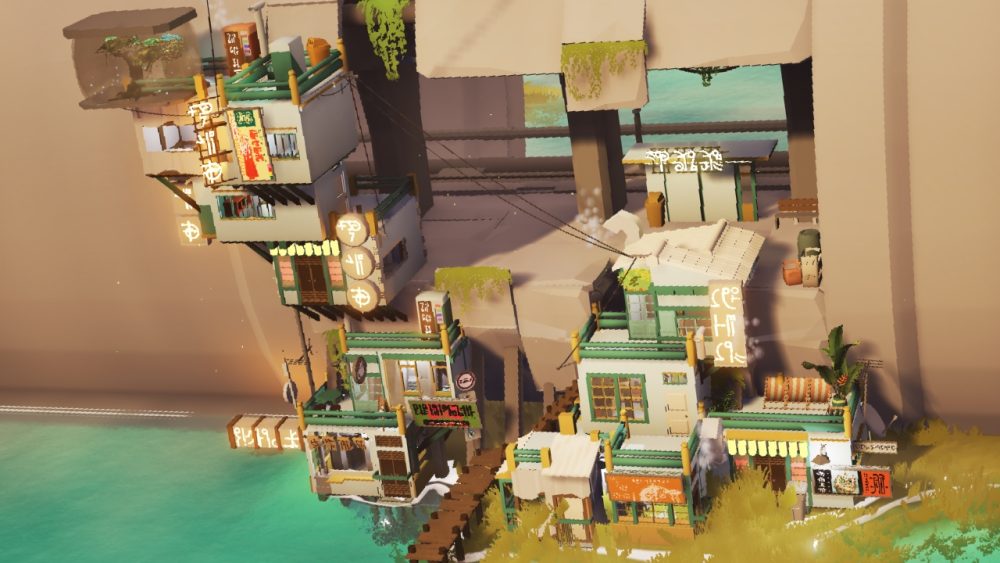
Silk Softworks’ city-assembly game ShantyTown takes players (ahem, surveyors) on an atmospheric journey through lively, reactive worlds. But rather than broadening your diorama-like village, players must work from the bottom up. Builders are shown their canvas at the start of every stage, each with a fog-like parameter that prohibits players’ constructs from veering too far. From there, you’ll layer the region’s new small businesses — ramen shops, bars, breweries — like a land-development lasagna, situating them under, over, or adjacent to residential buildings and massive hotels. Cramped? Maybe, but it’s these restrictions that foster more out-of-the-box thinking.
Playable elements appear at the bottom of the screen; pick one of these three random objects and incorporate it into your landscape however you’d like. Once structure placement begins, it’s time to view all units’ required upgrades. With a quick Left Alt keystroke, utility needs will appear over each structure. With this, you may learn your new hotel needs exterior lights, your ramen shop is seatless, and that quaint new house on the corner has no windows. Quickly accommodate each structure’s specific needs using the add-ons at the bottom of your display. If a building requires
Some objects, like ceramics and empty beverage bottles, are purely decorative; other items, like satellites, neon signage, and AC units, serve specific purposes. These fixtures bear color-coded symbols denoting which of the game’s three functional and design needs they satisfy. Assign necessary pieces to properties until your stock wanes (shown stacked on the display’s left-hand side). By now, your development should be photo-ready! Find its good side, and snap away. Log your progress in the dossier and keep movin’.
ShantyTown’s dynamic worlds, customizability bring silly structures to life
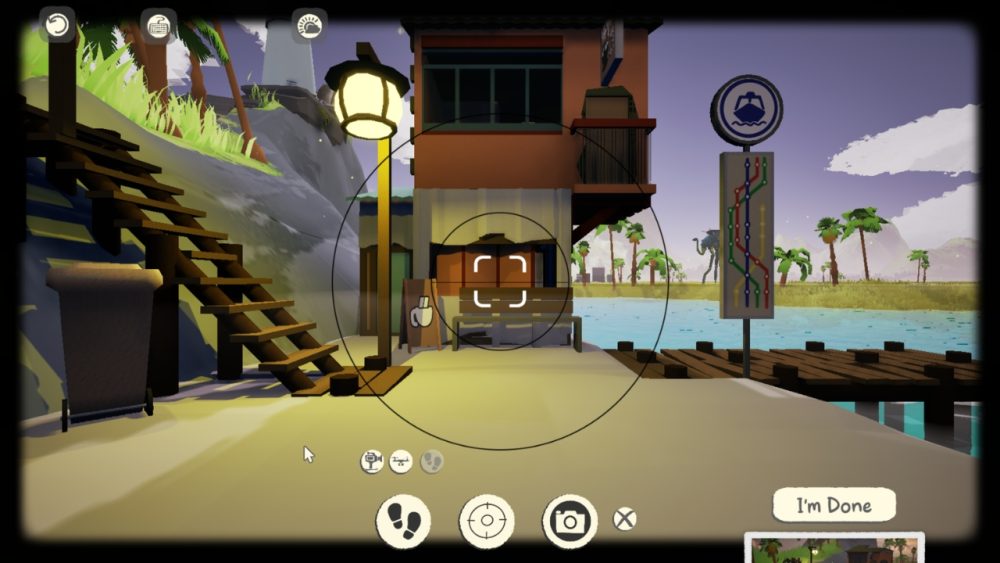
Stacking structures may seem challenging at first, but strategic object placement can pass muster with multiple buildings. If three stacked businesses all need greenery, then one well-placed palm tree might work. Buildings will appear highlighted in yellow if your placement works; drag the item around ’til you’ve highlighted all desired structures. This works with more than foliage, so give it a try with patio seating and potted plants, too. Hold R while placing for more precise positioning. With more than 150 decorative items to choose from, aesthetic possibilities feel nearly endless. That’s not even counting all available item colors and variations.
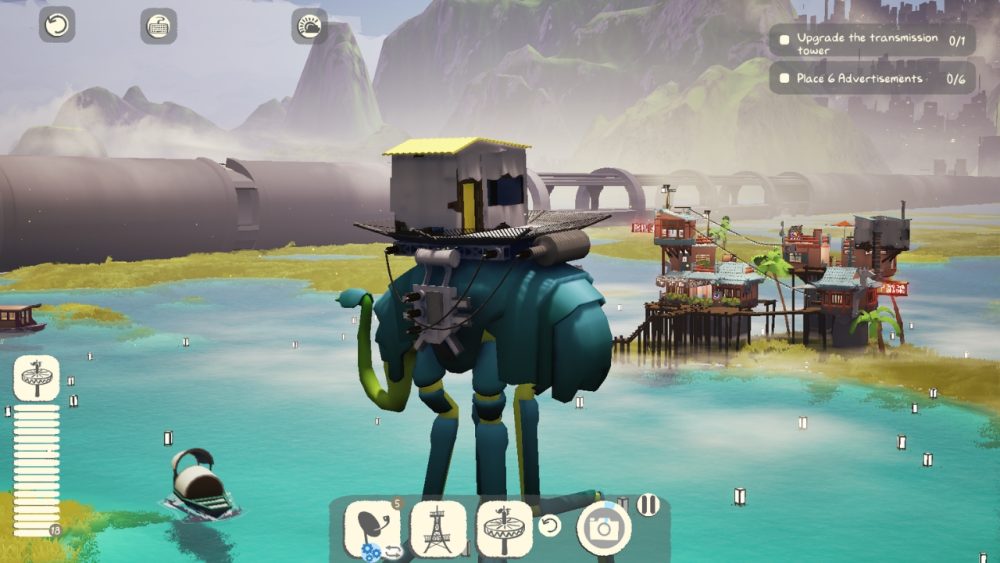
Not here for the decor? No problem — ShantyTown offers myriad ways to play. Are you a competitive, goal-oriented builder? ShantyTown makes up for not having a timer by offering optional challenges, shown in the top-right corner of your display. Can that long-legged, Dali-inspired bird support multiple billboards? Time to find out! Your success just might unlock new items. While not required to progress, these higher-stakes objectives can up the ante for more competitive players. Conversely, cozy gamers looking to dilly-dally may be relieved by that missing timer. Ultimately, players have the creative freedom to meet the game’s goals how they want. “Six of one,” and all that.
Customization goes beyond colorways. Players can alter in-game time, sun position, and weather for whatever reason. Pull the Wind slider all the way to the right and watch as wires, water, and grass respond in real time. Select “Foggy” to see a thick haze envelop your property, or opt for “Stormy” to start a gloomy downpour. Tinker with the sun’s direction to observe shifting shadows and other responsive fixtures. Let the day unfold as intended, or freeze your selections using the Pause button. Pausing doesn’t impact progression, but allows players to work in their preferred conditions. These climate-control tools work for photography, too.
A completed dossier doesn’t stop the fun. The game’s Creative Mode provides players a clean slate with which to develop, and you’re free to utilize all the elements you’ve unlocked in your surveyor journey so far. Additionally, the game’s Blankspace sandbox lets players design custom shops with no restrictions. The cherry on top is the ambient, lo-fi soundtrack by vaporwave artist Macroblank. Breathtaking.
ShantyTown’s sometimes erratic controls complicate construction
As far as ShantyTown goes, Silk Softworks’ Erik Rempen has seemingly thought of everything — reactive environments, realistic shadows, slick camera capabilities, convenient climate and time controls, among other additions — but the biggest hurdle I’ve run into can’t be remedied by clouds or a cool breeze.
Construction errors, like stuttering elements, detract from otherwise fulfilling gameplay. Space is limited in some stages (see above), but what’s normally a welcome challenge quickly becomes frustrating when objects shake and snap as you attempt to place them. Glowing-red objects can’t be installed, but some parts weren’t unplayable until I tried clicking them into place.
At best, ShantyTown rejected seemingly legal pieces as I played them. At worst, a single click would shift the item position entirely. Whether it flipped, fell through the floor, or snapped into another structure entirely, well, that was a surprise each time. ShantyTown encourages cockamamie construction choices, but when some structural elements won’t stick, gameplay goes from challenging to irritating.
While players with a keyboard and mouse will find the controls pretty cut-and-dry, construction looks different for gamepad users and Steam Deck owners. I’m no stranger to the selection wheel; as a Lenovo Legion Go loyalist and lifelong console gamer, I thought the switch would be a natural transition for me. Unfortunately, I found it to be the opposite, and am championing the use of the mouse and keyboard for this title.
Final thoughts
Rempen’s dreamy city-block builder ShantyTown is an approachable adventure that cozy gamers will love, with content robust enough to deeply satisfy more seasoned surveyors. While you may run into a few cumbersome quirks, they certainly don’t outweigh the smug satisfaction that comes with a surveying job well done. ShantyTown is a relatively short experience — completed the game and its bonus stages in about 13 hours — and that might detract from others’ scores, but myriad unlockables and endless replayability keep it fresh each time. All in all, ShantyTown is a charming, creative, and entertaining city construction-sim that will surely satisfy both the coziest and most competitive of players.
Pick up ShantyTown on Steam for its post-launch price of $13.49 before the sale ends on April 30. If you’d like to give it a spin first, check out the game’s free demo, also available via its Steam page.
PROS:
- Dynamic visuals, audio
- Satisfying optional challenges
- Replayability
CONS:
- Stuttering/snapping objects
- Shorter than expected